Top Lords Hero Power Tracking Guide
Verify member Lord links, review the hero power members submit, and check the freshness, sources and held readings of every Lord.
On this page
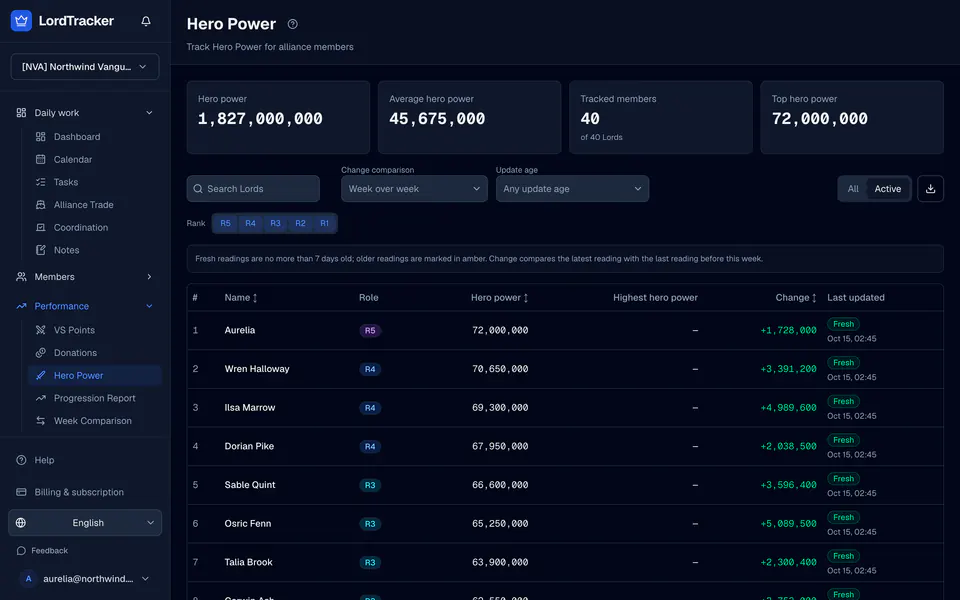
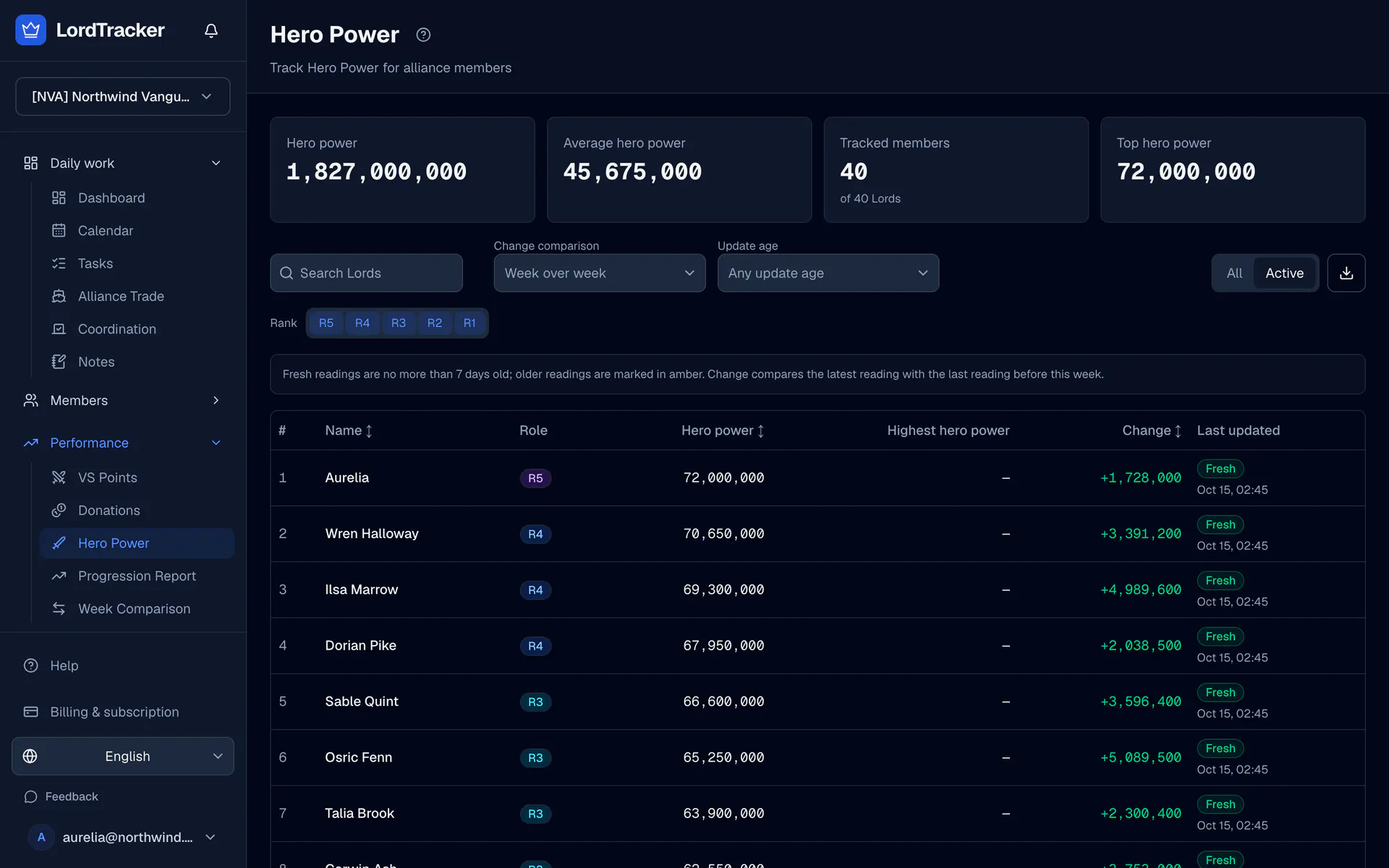
Hero power and Highest hero power are separate metrics. Use the total Hero power reading for alliance strength comparisons and inspect the date as well as the number.
1. Verify the member's Lord link
Invite the member and review their Lord claim under Officers. A join link gives website membership; a Lord login link starts a claim. An officer must verify the claim before personal hero-power submission is available.
Follow officer and member access if My Lord does not show the expected verified character.
2. Submit a fresh reading
Open My Lord and use the hero-power submission controls. Choose a screenshot or enter your own manual number and its observation date. Check that the screenshot shows the intended metric and reading.
A pending submission does not replace accepted tracker history. Wait for the officer decision; the member receives a notification after review.
3. Review member submissions
Officers open Member review. Inspect the submitted Lord, value, date, change and any available screenshot or OCR evidence. Accept a reading only after checking it. Reject with a reason when it needs correction.
The review page also handles member name-change requests. Accepting a name change preserves the previous name as an alias rather than creating another Lord.
4. Inspect freshness and held readings
Open Hero power for accepted values, reading dates, sources and change. Missing readings stay —. A stale value is the last known value; it is not a fresh measurement.
Matched captures and public hero-power rankings can supply readings. Unusually large relative changes may be held for review under Settings → Hero power. Review those separately; a held reading should not be assumed valid simply because it was collected.
5. Enable a personal reminder
In account settings, use Push reminders to enable My hero power needs a fresh reading on a supported device. This requires a verified Lord link and configured push. Officers can opt into review reminders.
See install and reminders and the hero-power tracker for device setup and feature details.
Top Lords Hero Power Tracker
Member uploads, officer review and dated hero-power readings.