Skip to content
Learn the tools

Top Lords tutorials

Set up your alliance, keep its records current and give your officers a repeatable weekly routine. Each guide follows the app step by step, with the labels you see on screen.

/ 014 guides

Getting started

2 min read, Updated

Top Lords Alliance Setup

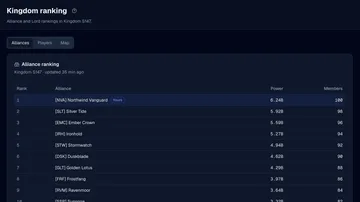
Create your kingdom workspace, choose the right alliance from the kingdom ranking and check your first roster readings and the 7-day trial.

  1. Sign in and choose your kingdom
  2. Check roster availability
  3. Set your weekly expectations
  4. Invite your team

2 min read, Updated

Top Lords Data Freshness and Coverage

Tell public rankings, roster captures, reviewed uploads and unknown values apart before you use any Top Lords number for a decision.

3 min read, Updated

Top Lords Screenshot Import Guide

Read Top Lords game screenshots with AI, resolve every Lord and date, correct the numbers and apply only reviewed records to your alliance.

2 min read, Updated

Top Lords App Installation and Reminders

Install LordTracker on your phone or computer, turn on push reminders for each device and share game screenshots straight into the review.

/ 024 guides

Daily work

4 min read, Updated

Top Lords Cargo Ship Captain Guide

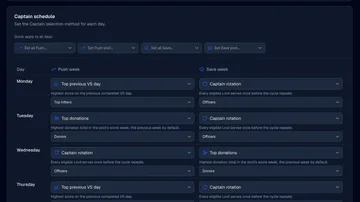
Set up Alliance Trade for the Standard Cargo Ship: confirm docks, build Captain pools, choose Push and Save rules, then save and post the week.

3 min read, Updated

Top Lords Alliance Calendar Guide

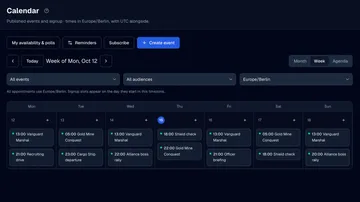
Publish alliance events with sign-up slots, select and confirm Lords, repeat events every week, subscribe on your phone and record attendance.

2 min read, Updated

Top Lords Alliance Polls and Availability

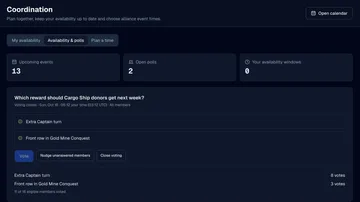
Ask your alliance questions with polls, collect members' usual playing hours and preview who is available before you set the time of an event.

2 min read, Updated

Top Lords Alliance Operations Guide

Use shared officer notes, shield incidents, sampled online presence and assigned tasks for the everyday work of running a Top Lords alliance.

/ 031 guide

Members

2 min read, Updated

Top Lords Member Guide: Link Your Lord

Join your alliance on LordTracker, link your own Lord, get it verified by an officer and use My Lord for battles, events and your hero power.

/ 044 guides

Performance

2 min read, Updated

Top Lords VS Tracking Guide

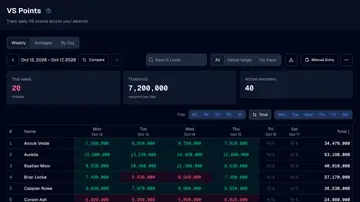
Record daily VS points and Weekly Rankings totals, choose your targets and reset hour, and read averages without filling gaps with zero.

2 min read, Updated

Top Lords Performance Targets and Grades

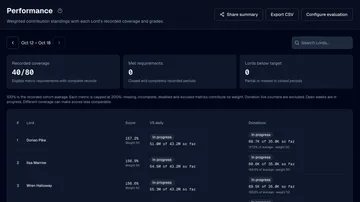
Set VS and donation targets, choose weights and absence rules, and understand why a Lord gets a weekly grade or is left ungraded.

2 min read, Updated

Top Lords Hero Power Tracking Guide

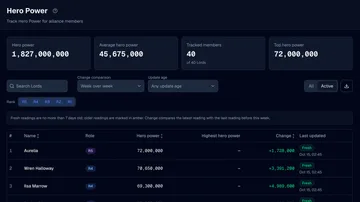
Verify member Lord links, review the hero power members submit, and check the freshness, sources and held readings of every Lord.

2 min read, Updated

Top Lords Weekly Comparison Guide

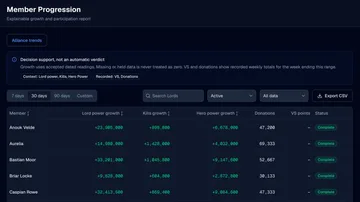
Compare exact weekly VS and donation totals for two recorded weeks, then inspect dated power, kills and hero power growth for every Lord.

/ 054 guides

Events & strategy

3 min read, Updated

Top Lords Battle Planning Guide

Plan Gold Mine Conquest and other alliance battles: collect availability, build the roster, assign objectives and record attendance and points.

2 min read, Updated

Top Lords Custom Events and Vanguard Marshal

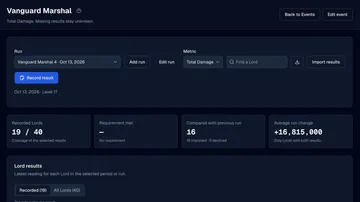
Create a custom Top Lords event, add dated runs and record Total Damage and the MVP for Vanguard Marshal, by hand or from reviewed imports.

3 min read, Updated

Top Lords Kingdom Map Scan Guide

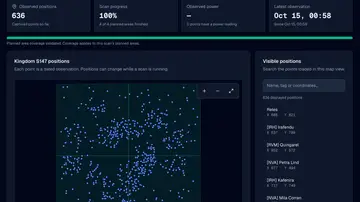
Start a kingdom map scan, follow its progress, read alliance clusters, search castles by Lord, alliance tag or coordinates and check the coverage.

2 min read, Updated

Top Lords Base Planner Guide

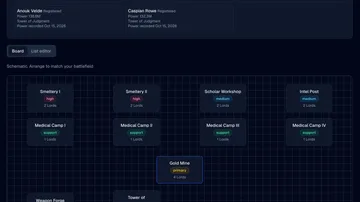
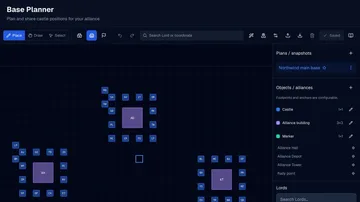
Set up the base planner grid, place alliance buildings, auto-assign Lords around them, import coordinates and share the plan with members.

/ 061 guide

Administration

2 min read, Updated

Top Lords Officer and Member Access

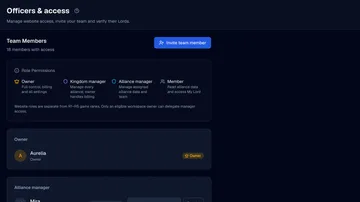
Invite managers by email, share a member join link and verify which Lord belongs to each member, so everyone gets the right access.

  1. Invite an officer
  2. Create a member join link
  3. Link the intended Lord
  4. Verify the claim
See what changed recently
Ready when you are

Give your officers a head start.

Create your account, enter your kingdom and pick your alliance. Your dashboard is ready in minutes.